Device Group Management from Settings Page
← Back to the Changelog
Managing which device group your Remote Instance belong to just got a easier. Previously, if you wanted to move a device to a different group, you had to identify the group the Remote Instance belongs to, remove it, then find the group to assign it to, edit that group and add it. This was not optimal.
With this update, you can now see which group a Remote Instance belongs to directly from the overview page, and easily reassign it to a different group from the settings page without the hassle of searching through your entire group structure.
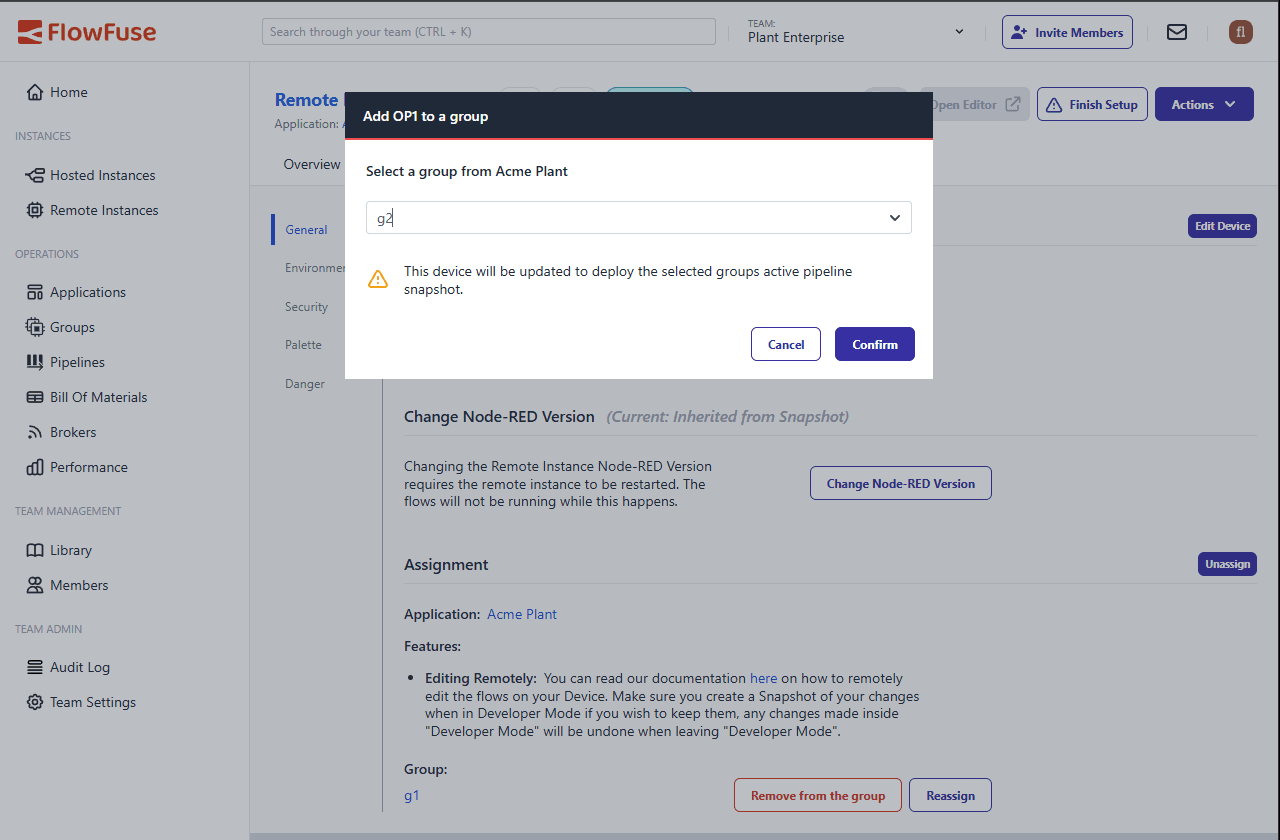
Device Group Management Interface showing current group and reassignment options
Written By:
Serban Costin
Published on: