FlowFuse Team NPM Registry
To enable a local development environment for the Team NPM feature follow these steps.
Registry Setup
- Create a directory to hold the NPM registry
mkdir npm-registry cd npm-registry - Create
mkdir config storage - Install verdaccio
npm install --prefix=. verdaccio - Clone auth plugin
git clone https://github.com/FlowFuse/verdaccio-ff-auth.git - Build auth plugin
cd verdaccio-ff-auth npm install npm run build - Add auth plugin
cd .. npm install ./verdaccio-ff-auth - Configure verdaccio, create a file called
config/config.yamlstorage: ../storage auth: ff-auth: baseURL: http://127.0.0.1:3000 adminSecret: secret packages: '@*/*': access: $authenticated log: { type: stdout, format: pretty, level: http } - Start verdaccio
./node_modules/.bin/verdaccio --config config/config.yaml
Configure Flowfuse
- Add the following to the end of your
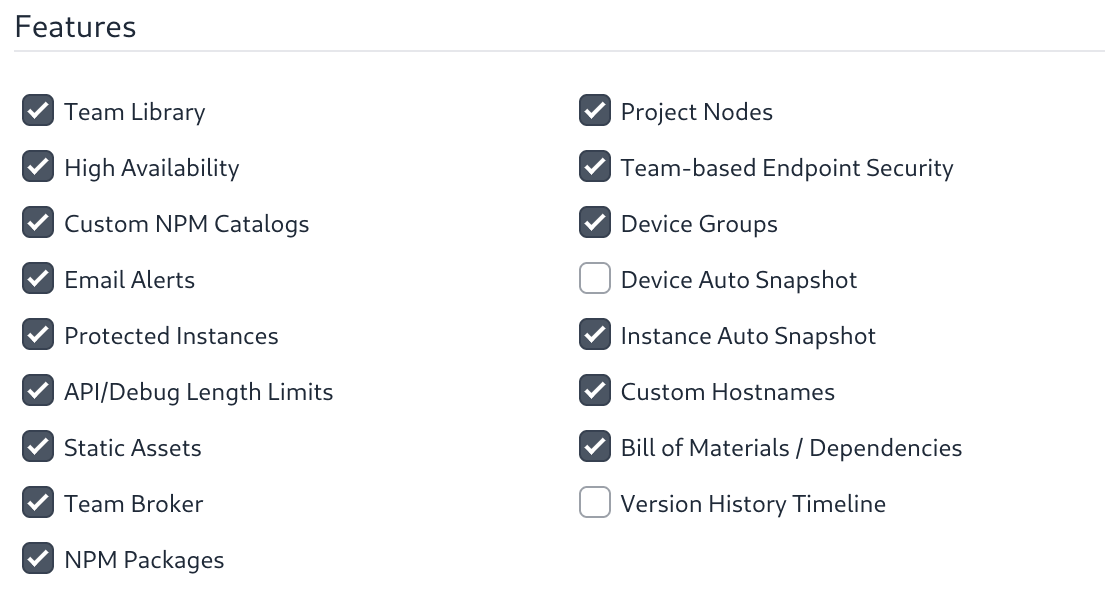
flowforge.ymlfilenpmRegistry: enabled: true url: http://localhost:4873 admin: username: admin password: secret - Update TeamTypes to enable the feature