How to Update Stacks on Production
As part of a FlowFuse Release the Stack definitions need updating to use the latest container images.
Process
- Login as a FlowFuse Cloud Admin user
- Navigate to Admin Settings -> Stacks
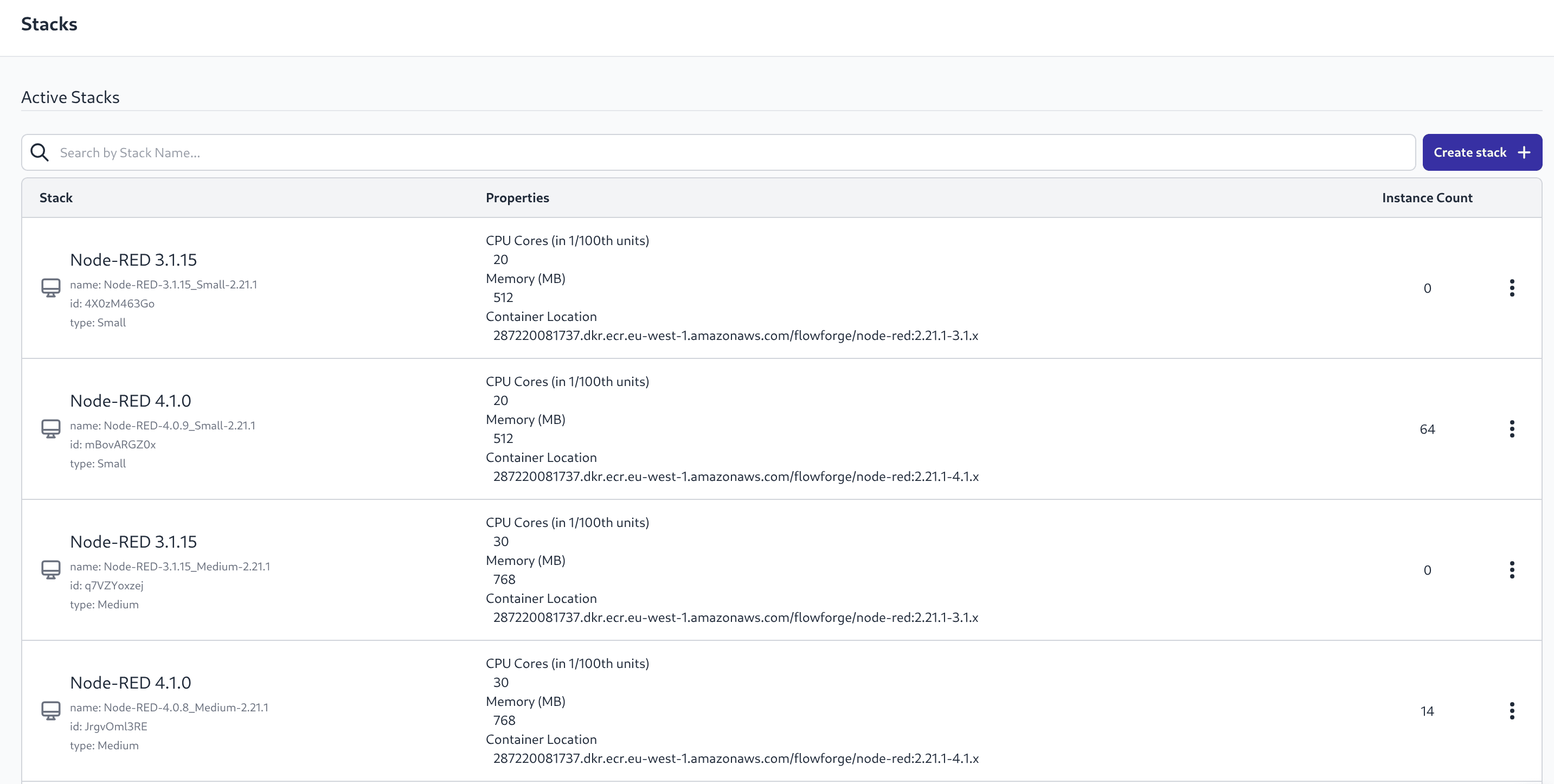 Screenshot of Stacks list
 - For each Stack in the "Active Stacks" section select "Create New Version" from the 3 dot menu and then follow Steps 4,5,6
- Edit the Stack Name to remove the "-copy" and update the semver number
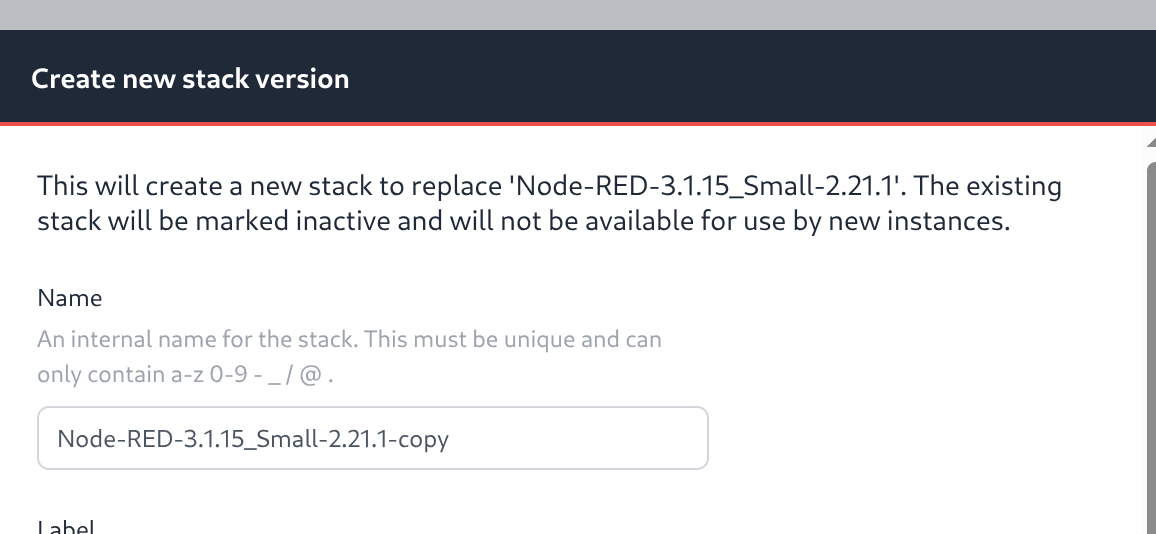 Screenshot of Stack Name
 - Edit the "Container Location" to edit the container tag, update just the semver of FlowFuse, not the Node-RED version suffix
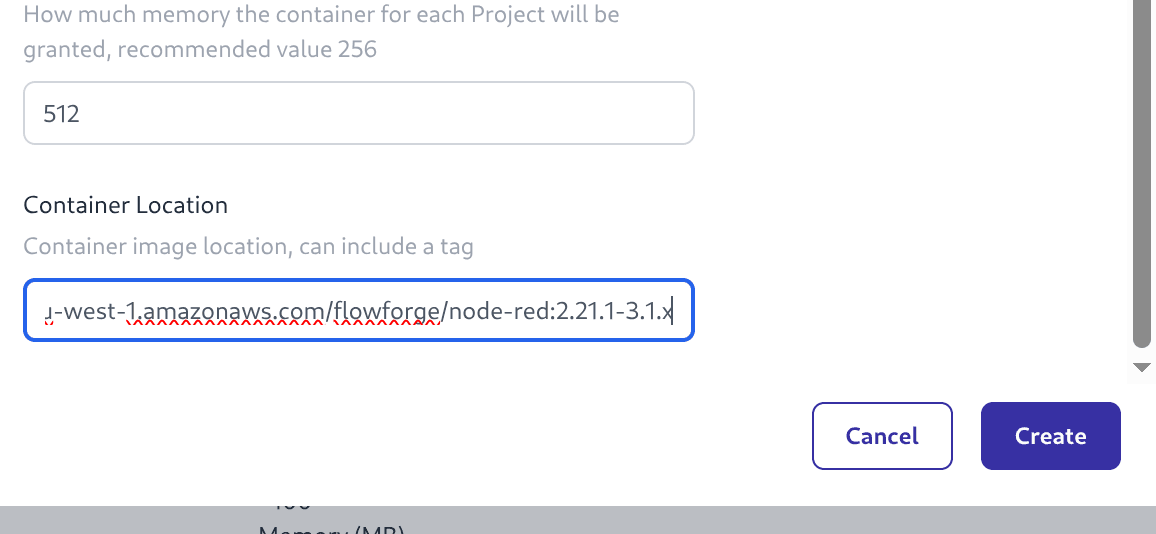 Screenshot of Stack Location
 - Complete this step with the "Create" button
A new version of the Stack will appear in the "Active Stacks" list and the old one should move to the "Inactive Stacks" list.