Layouts
The frontend has 5 layouts which can be found in frontend/src/layouts:
- Platform
- Plain
- Page
- Box
- Immersive
Layout Variants
Platform
The platform layout serves as the primary structure throughout the application.
It comprises a page header and side navigation, offering features such as platform banners, toast notifications, dialog/modals, and interview popups.
Most importantly, it is designed to be mobile-friendly.
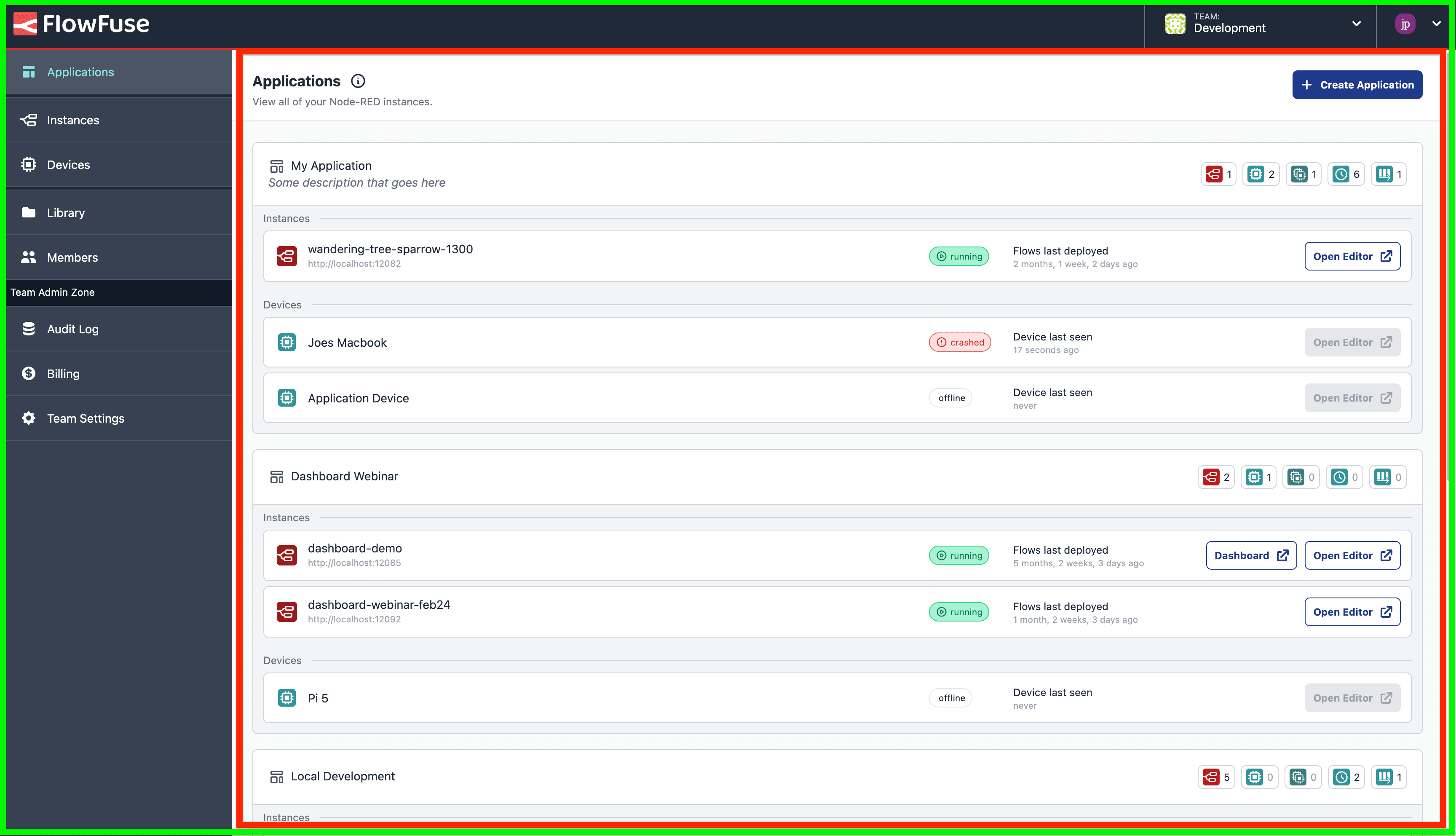 Screenshot of the FlowFuse platform to show the areas controlled by the Platform (green) layout and the child, Page (red) layout.
Page
The page layout is used primarily as a wrapper for Vue pages and has support for a header slot among a default one.
Plain
The plain layout serves as a blank structure primarily used for embedded pages or any other structures that don't require navigation or headers (ex: error pages).
Has support for alerts and dialog/modals.
Immersive
The immersive layout serves as the flexbox for the hosted and remoted editor instances.
Does not have support for left drawers. All drawers are shown as a layout over the expert drawer.
Box
The box layout is used in the initial Setup phase and consists of a boxed layout which guides you through the required steps in configuring the Flow Fuse Application.
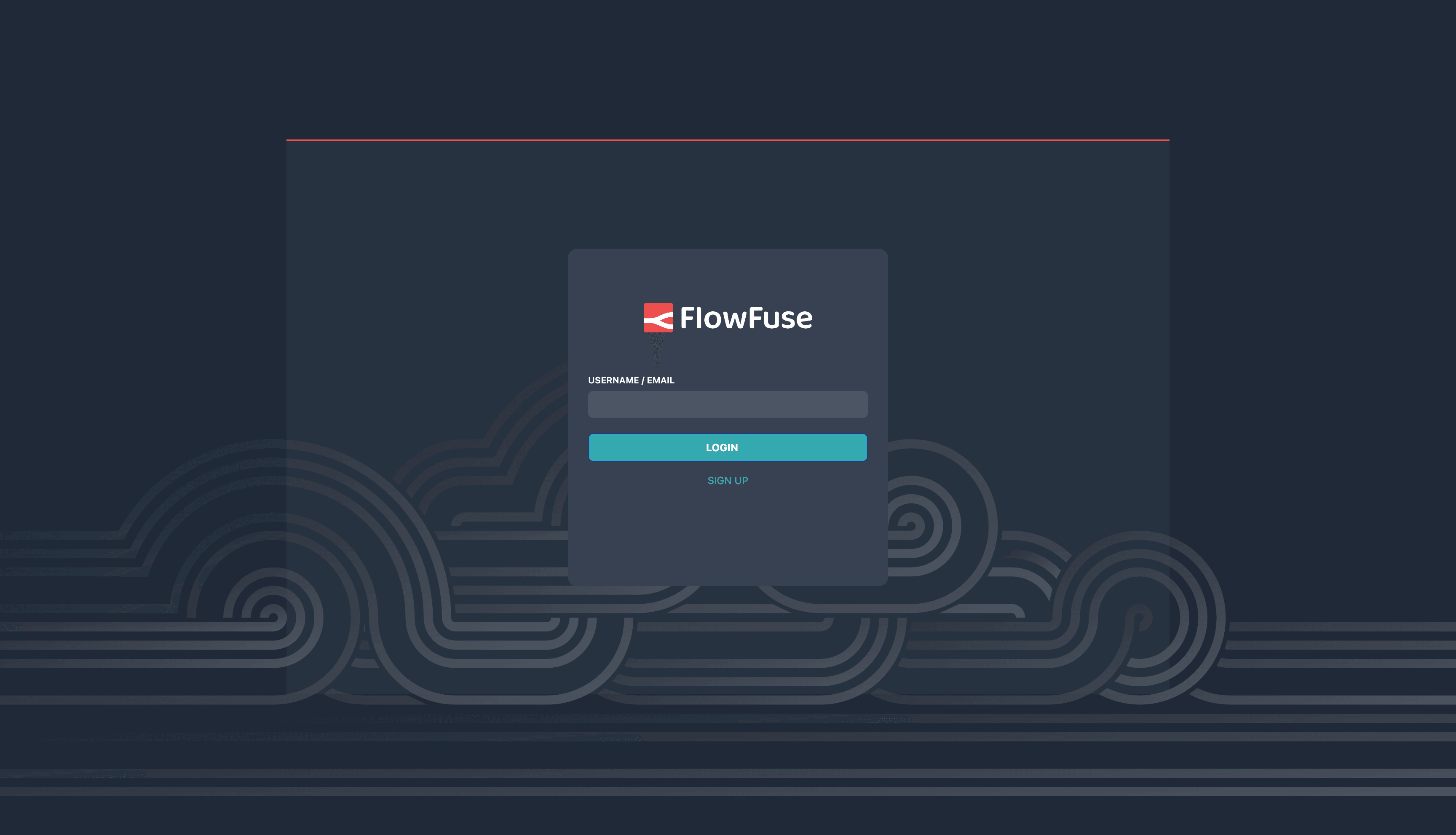 Screenshot of the FlowFuse platform with a page using the "Box" layout.
Layout Selection
Layout selection is done via a layout meta attribute defined on the page route.
{
    path: '/instance/:id',
    name: 'Instance',
    component: Instance,
    meta: {
        title: 'Instance - Overview',
        layout: 'plain' // 'platform'/'modal'/'plain'
    },
}
If the layout meta attribute is missing or an invalid value is passed, the application will default to the platform layout.